

How it works
- A global “Stop” hook is configured to run each time Claude Code responds.
- The hook reads Claude Code’s generated conversation transcripts.
- Messages in the transcript are converted into LangSmith runs and sent to your LangSmith project.
Tracing is opt-in and is enabled per Claude Code project using environment variables.
Prerequisites
Before setting up tracing, ensure you have:- Claude Code CLI installed.
- LangSmith API key (get it here).
- Command-line tool
jq- JSON processor (install guide)
This guide currently only supports macOS.
1. Create the hook script
stop_hook.sh processes Claude Code’s generated conversation transcripts and sends traces to LangSmith. Create the file ~/.claude/hooks/stop_hook.sh with the following script: stop_hook.sh
Make it executable:
2. Configure the global hook
Set up a global hook in~/.claude/settings.json that runs the stop_hook.sh script. The global setting enables you to easily trace any Claude Code CLI project.
In ~/.claude/settings.json, add the Stop hook.
3. Enable Tracing
For each Claude Code project (a Claude Code project is a directory with Claude Code initialized) where you want tracing enabled, create or edit Claude Code’s project settings file.claude/settings.local.json to include the following environment variables:
TRACE_TO_LANGSMITH: "true"- Enables tracing for this project. Remove or set tofalseto disable tracing.CC_LANGSMITH_API_KEY- Your LangSmith API keyCC_LANGSMITH_PROJECT- The LangSmith project name where traces are sent- (optional)
CC_LANGSMITH_DEBUG: "true"- Enables detailed debug logging. Remove or set tofalseto disable tracing.
Alternatively, to enable tracing to LangSmith for all Claude Code sessions, you can add the above JSON to your global Claude Code settings.json file.
4. Verify Setup
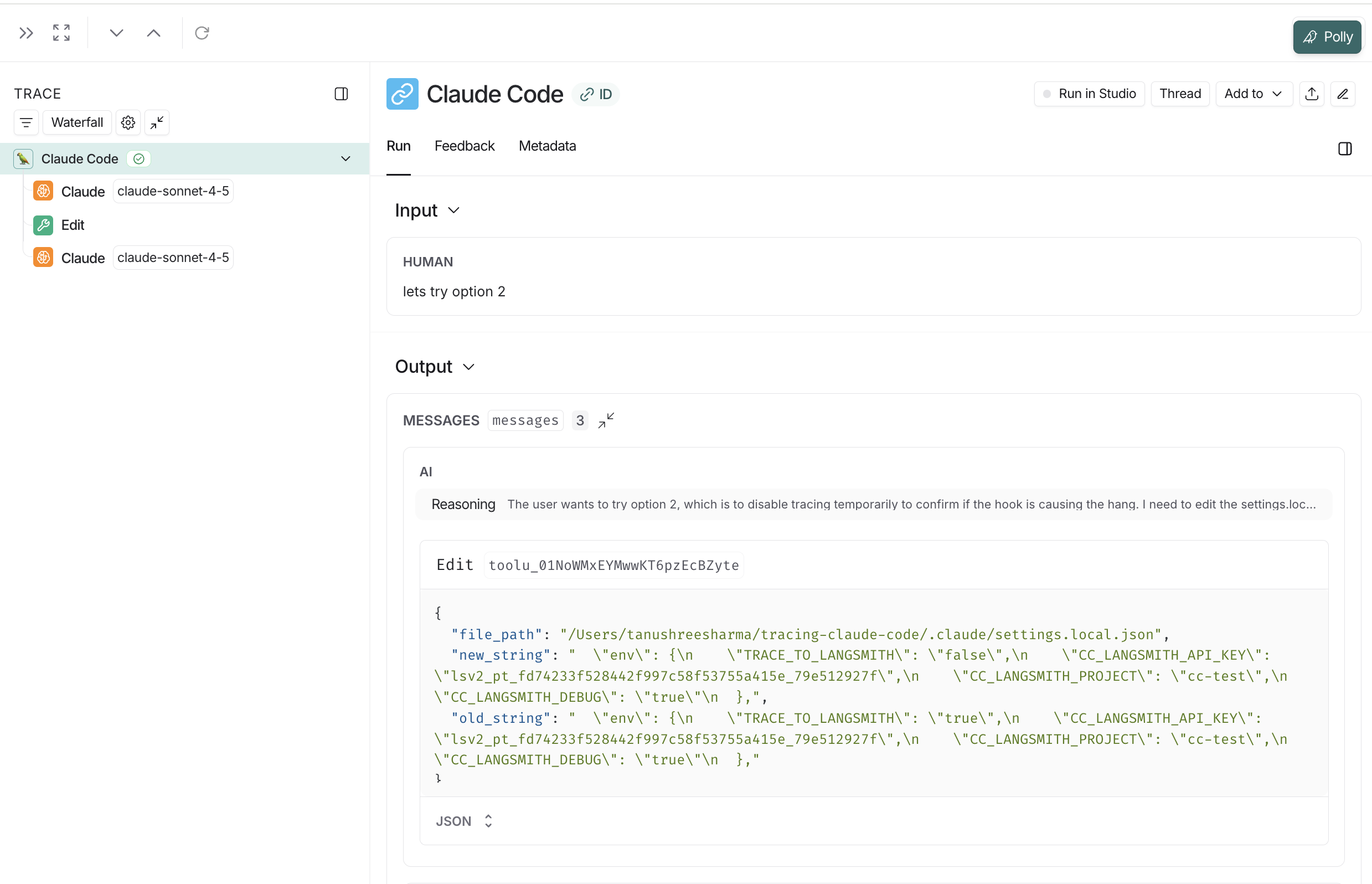
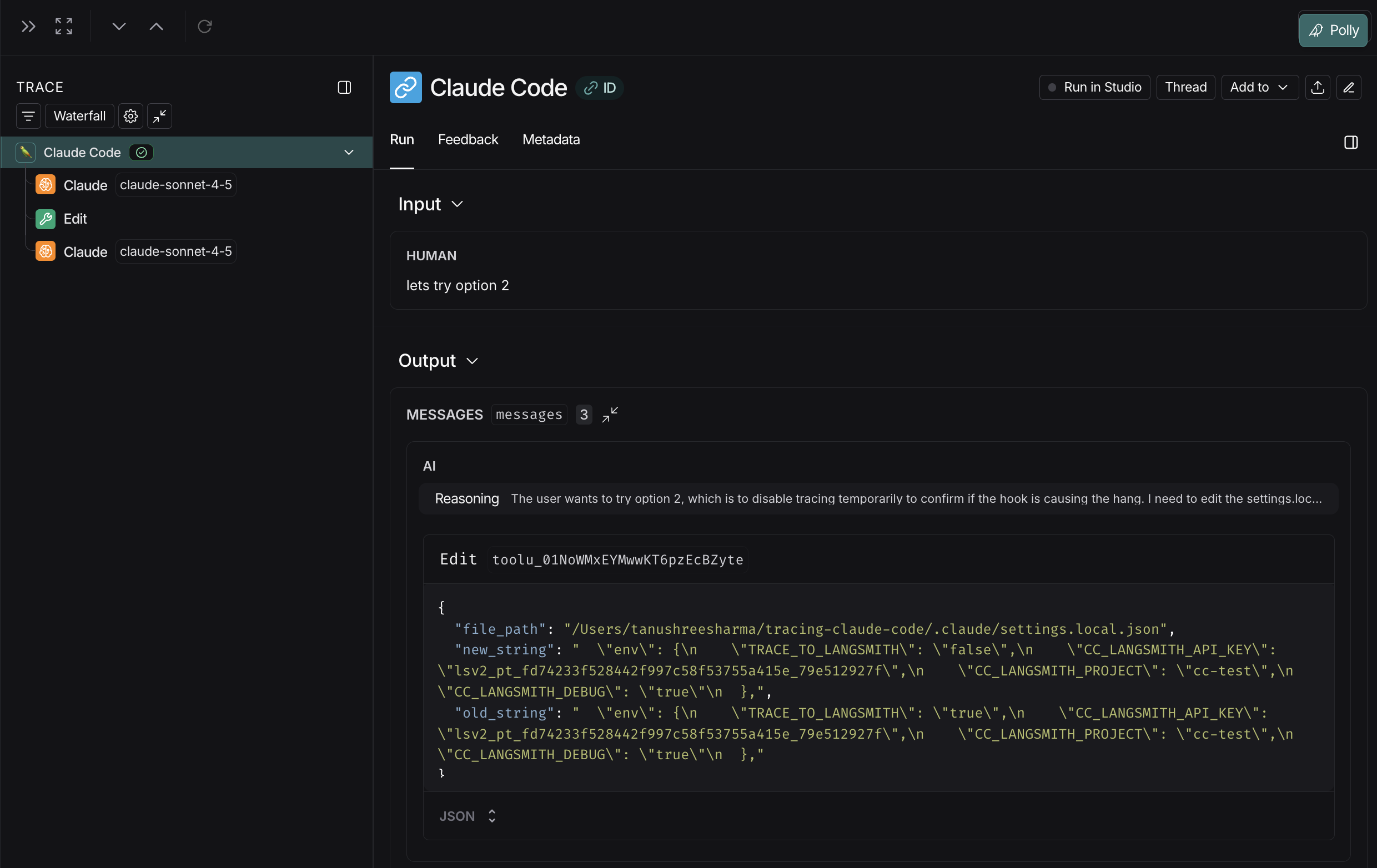
Start a Claude Code session in your configured project. Traces will appear in LangSmith after Claude Code responds. In LangSmith, you’ll see:- Each message to Claude Code appears as a trace.
- All turns from the same Claude Code session are grouped using a shared
thread_idand can be viewed in the Threads tab of a project.
Troubleshooting
No traces appearing in LangSmith
-
Check the hook is running:
You should see log entries after each Claude response.
-
Verify environment variables:
- Check that
TRACE_TO_LANGSMITH="true"in your project’s.claude/settings.local.json - Verify your API key is correct (starts with
lsv2_pt_) - Ensure the project name exists in LangSmith
- Check that
-
Enable debug mode to see detailed API activity:
Then check logs for API calls and HTTP status codes.
Permission errors
Make sure the hook script is executable:Required commands not found
Verify all required commands are installed:jq is missing:
- macOS:
brew install jq - Ubuntu/Debian:
sudo apt-get install jq
Managing log file size
The hook logs all activity to~/.claude/state/hook.log. With debug mode enabled, this file can grow large: